Posting GST Value
Posting of GST values to the different account heads.
The monthly GST Posting below is needed only with the original Ledger method. With New Ledger, each bill already posts its GST to these accounts — running the wizard as well would post GST twice. See Ledger Methods.
The GST Standard Accounts at the end of this page are needed with either method.
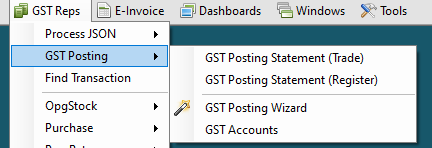
Posting Values
dsGST can pass the GST related entries on a monthly basis.
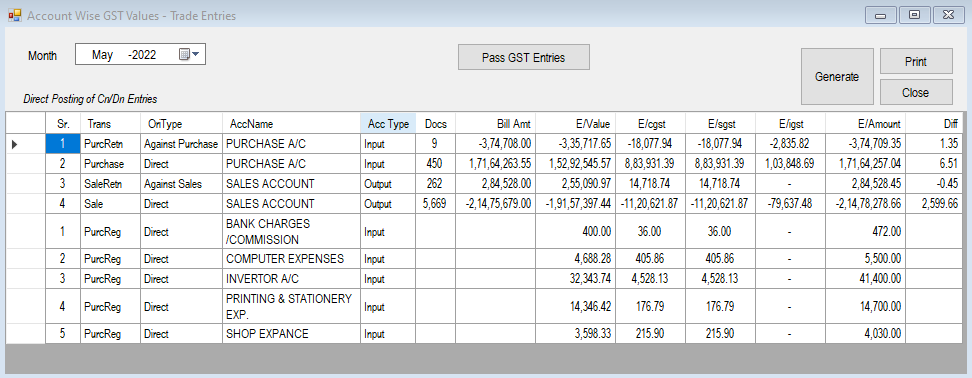
Select the Month and click on Generate.
A list of entries that need to be passed for that month are displayed in the Report Section of the form. If all the GST standard accounts are set, the Pass GST Entries button will be enabled.
Click on this button to pass the entries.
GST Standard Accounts
Setting the Standard GST Accounts is a one-time activity. Here you are expected to specify the accounts where the relevant entries will be posted for Outward (Sales) and Inward (Purchase) transactions.
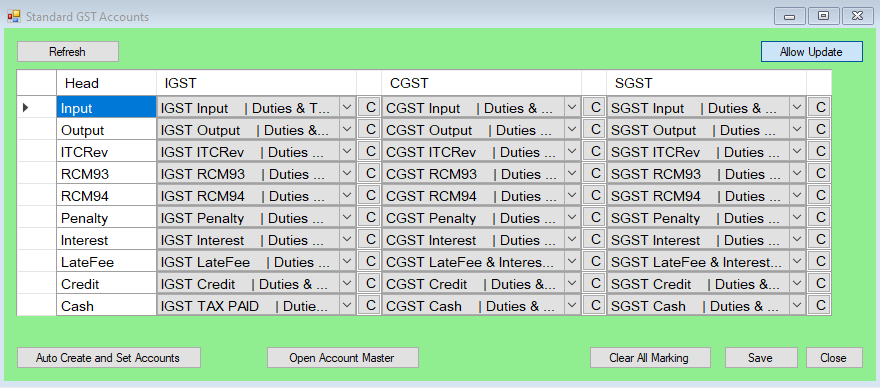
To set the values...
- Click
Auto Create and Set Accountsand dsGST will create create and define all the required accounts. - Alternately, you may define accounts as per your charts.